

Spend visibility and reporting
Know where uniform spend is going, without chasing spreadsheets.
Get WorkGear gives admins, finance, and procurement teams clear, real-time visibility over uniform spend across people, teams, sites, and time periods. Instead of relying on manual exports or one-off reports, spend data is always available, filterable, and ready to share, so decisions are based on facts, not assumptions.
Designed for finance and admins who need answers fast
Uniform spend shouldn’t be a black box. With Get WorkGear, reporting is built into everyday workflows, so visibility comes naturally as orders are placed.At a glance, you can see:
- What has been ordered
- Who ordered it (and who it was ordered for)
- Which branch, role, or team it relates to
- How spend tracks against allocations and entitlements
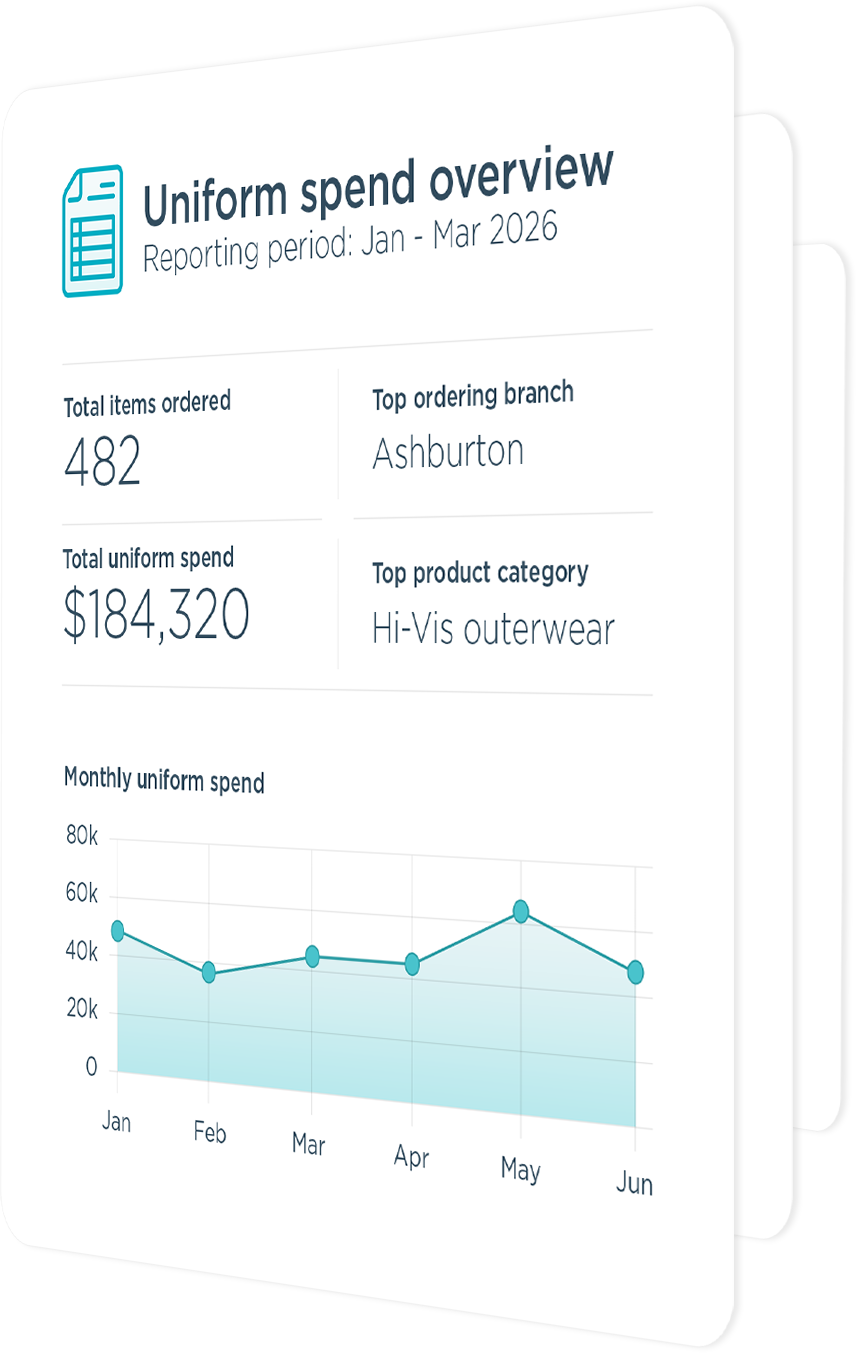

How spend visibility works in practice
Full order history
Every order is logged and accessible in one place. Can filter by:- Order ID or order number
- Ordered by / ordered for
- Branch or site
- Order status
- Date range
Allocation reporting
Allocation reports give a clear view of:- Allocations by staff member, role, or branch
- Available allocation remaining
- Over-allocation (where applicable)
- Next reset dates
Consumption data
Reports that focus on what has been issued over time. You can analyse:- Products ordered by staff, role, or site
- Quantities issued
- Time-based trends
- Differences between expected and actual usage
Export your data
All reports can be exported to CSV for:- Finance reconciliation
- Budget reviews
- Internal reporting
- Audit or compliance requirements
What this means in practice
For finance and procurement:
- Clear, predictable uniform spend
- Easy budget tracking and forecasting
- Reduced time spent chasing information
For admin:
- Less manual reporting
- Fewer questions from managers and finance
- Confidence that policies are being followed
For managers:
- Visibility without extra admin
- Clear records of orders and approvals
- Fewer surprises at budget time
Visibility without micromanagement
Get WorkGear provides transparency without adding friction. You get the reporting and oversight you need, while staff and managers continue ordering through a simple, familiar experience.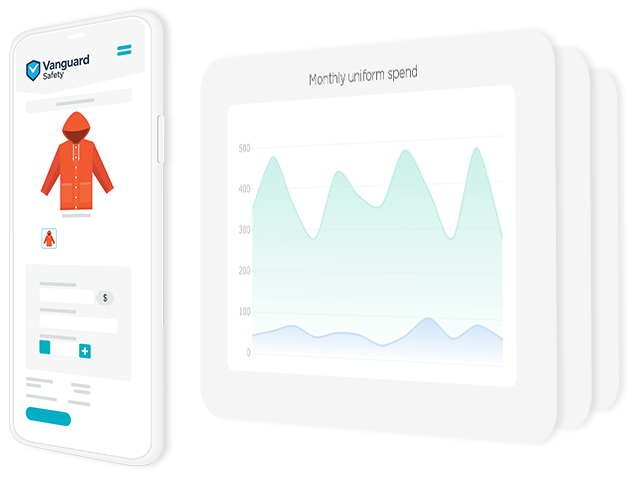
A smarter way to manage uniform spend
With built-in reporting across orders, allocations, and consumption, Get WorkGear turns uniform data into something you can actually use. No spreadsheets. No guesswork. Just clarity.Take a look
Access a live demo, no signup required.


